

Description
Download Gmail Email Templates – Free, Secure, Drag‑and‑Drop Email Builder for Gmail
Overview
Gmail Email Templates is a free, web‑based tool that lets anyone craft bespoke, professional‑looking email layouts without touching a single line of HTML. Designed especially for Gmail power users, the application offers a library of pre‑formatted templates ranging from business proposals to party invitations. With a simple drag‑and‑drop interface, users can replace images, edit text, switch fonts, and modify colour schemes in a matter of minutes. Once a template is personalised, it can be saved directly inside Gmail, exported to a hard‑drive, or stored in a dedicated folder for future reuse. Because the solution runs inside Google Chrome, there is no need for additional software installations, and the entire workflow stays within the secure Google ecosystem. Regular updates add fresh designs, keeping the template catalogue modern and relevant. Whether you are a marketer looking to boost campaign engagement, a small‑business owner needing polished client communications, or an individual planning an event, Gmail Email Templates provides a quick, cost‑free alternative to hiring a designer or learning HTML coding.
Key Features
- Drag‑and‑Drop Builder: Intuitive interface lets you reposition blocks, images, and text fields with a single mouse movement.
- Extensive Template Library: Dozens of professionally designed layouts for business, marketing, personal invitations, newsletters, and more.
- Full Customisation: Change fonts, colours, backgrounds, and spacing to match your brand identity.
- One‑Click Insert into Gmail: Save directly to a Gmail folder, making the template instantly available when composing a new message.
- Responsive Design: All templates automatically adapt to desktop, tablet, and mobile viewports.
- Export Options: Download HTML files or save templates on a local hard drive for offline use.
- Regular Updates: New designs and seasonal skins are added monthly, keeping your communications fresh.
- Zero Cost: The core application is completely free, with optional premium skins available for purchase.
- Chrome‑Only Compatibility: Optimised for Google Chrome, ensuring fast load times and full feature support.
Installation & Usage Instructions
Step‑by‑Step Setup
Because Gmail Email Templates runs as a Chrome extension, the installation process takes only a few minutes:
- Open Google Chrome and navigate to the Chrome Web Store.
- Search for “Gmail Email Templates” and click the Add to Chrome button.
- A confirmation dialog appears; select Add extension to complete the installation.
- After the extension installs, you’ll notice a new icon in the Chrome toolbar – this is your gateway to the template library.
Creating Your First Email
Once the extension is active, follow these steps to compose a customised email:
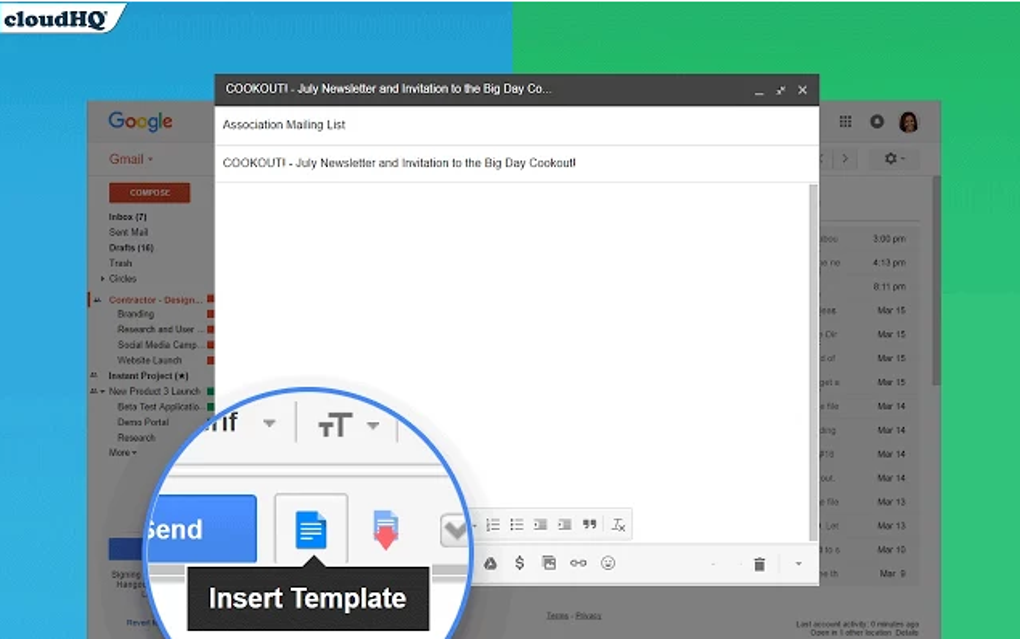
- Open Gmail and click Compose as usual.
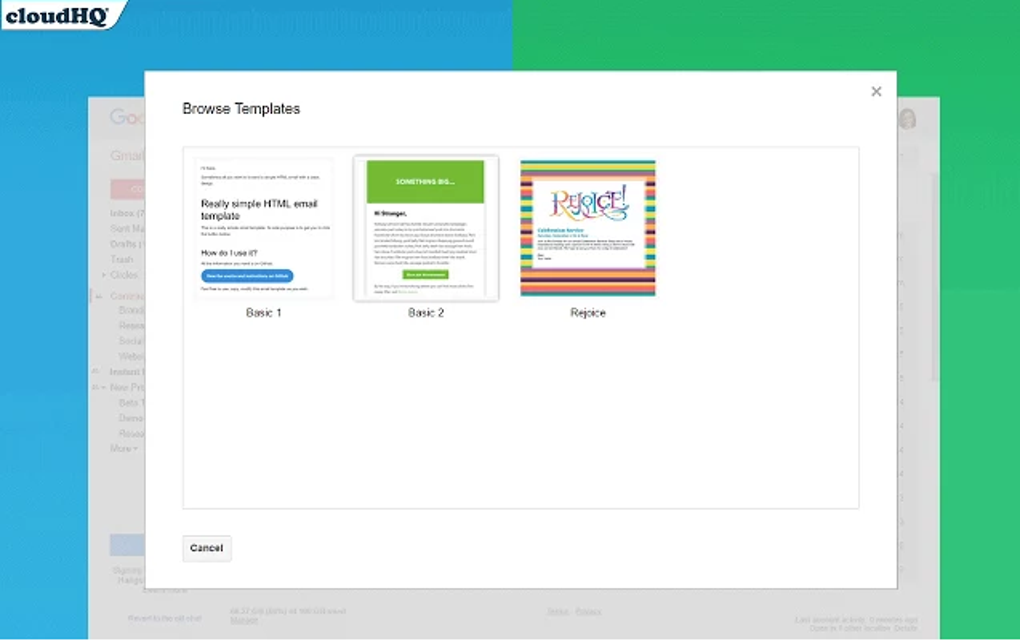
- Click the Gmail Email Templates icon in the compose window toolbar. A side panel opens, displaying all available templates.
- Browse the categories or use the search bar to find a design that matches your purpose.
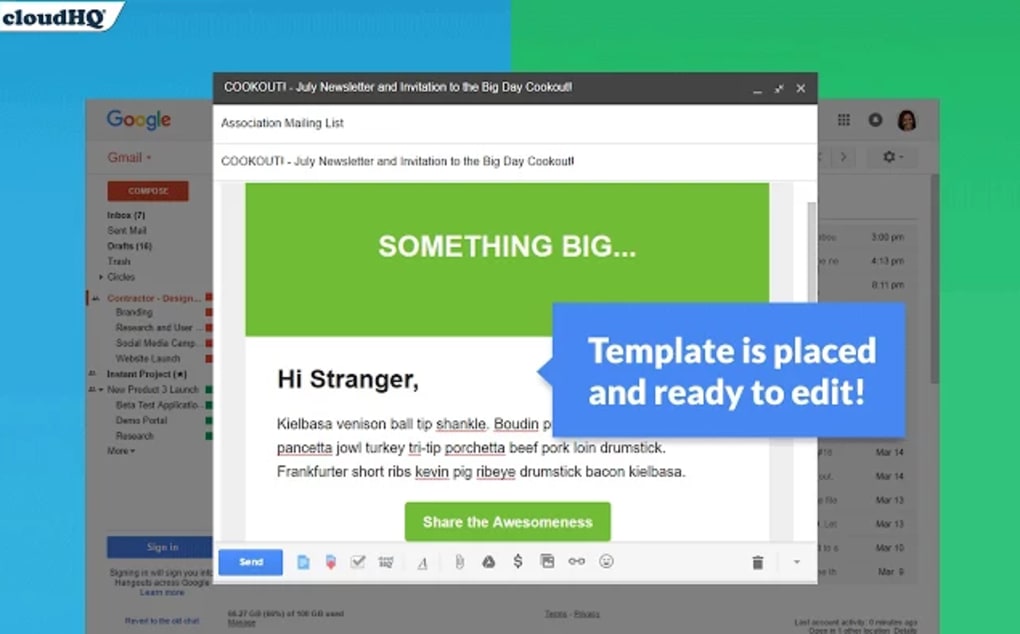
- Hover over a template and select Insert. The template instantly populates the email body.
- Click directly on any text block to edit the content, replace placeholder images by dragging your own files, or adjust colours via the built‑in colour picker.
- When you’re satisfied, click Save to Folder to store the customised version for future reuse.
- Finally, hit Send to deliver a professional‑looking message without any extra steps.
Tips for Power Users
To maximise efficiency, consider creating a dedicated Gmail label such as “Templates” where all saved drafts reside. This makes it easy to retrieve a template with a single click, even months after its creation. Additionally, use the “Export HTML” option to back up your favourite designs, allowing you to import them into other email clients if needed.
Compatibility, Pros & Cons
Supported Platforms: The application is built for Google Chrome on Windows, macOS, and Linux. Because it operates entirely within the browser, there is no native Windows, macOS, Android, or iOS version – however, Chrome on mobile devices also supports the extension in a limited “desktop view” mode.
Pros
- Completely free for core features, making it ideal for small businesses and freelancers.
- No coding knowledge required; the drag‑and‑drop editor is highly intuitive.
- Direct integration with Gmail eliminates the need to copy‑paste HTML code.
- Responsive templates ensure consistent rendering across devices.
- Regularly updated library keeps designs current and seasonal.
- Export capability provides flexibility for use outside Gmail.
Cons
- Limited to Google Chrome; users on other browsers must switch or use Chrome’s “Open in Chrome” feature.
- Advanced customisation (e.g., custom CSS) is not available in the free version.
- Mobile experience is less seamless compared to the desktop workflow.
- Premium skins require a small purchase, which may not suit every budget.
Frequently Asked Questions
Is Gmail Email Templates really free?
Yes, the core application, including the full template library and drag‑and‑drop editor, is completely free. Premium skins can be purchased, but they are optional.
Can I use the templates with other email clients?
Absolutely. Each template can be exported as an HTML file, which you can then import into Outlook, Thunderbird, or any other client that supports HTML email.
Do I need a Google account to use the tool?
Yes, because the extension works inside Gmail, you must be signed into a Google account to access the templates and save them directly in your mailbox.
Is the extension safe and secure?
The extension is published through the official Chrome Web Store, undergoes Google’s security review, and does not collect personal email content. All data stays within your browser session.
How often are new templates added?
The development team releases new designs monthly, with special seasonal packs for holidays and industry events.
Conclusion & Call to Action
Gmail Email Templates bridges the gap between professional design and everyday email composition. By offering a free, Chrome‑based solution that integrates directly with Gmail, it empowers users to send polished, responsive messages without the steep learning curve of HTML coding or the expense of a graphic designer. Whether you’re sending a quarterly newsletter, a client proposal, or a birthday invitation, the drag‑and‑drop editor and ever‑growing template library give you the flexibility to look polished in seconds. Ready to upgrade your email game? Download Gmail Email Templates today and start creating eye‑catching emails that get noticed.
Guides & Tutorials for Gmail Email Templates
How to install Gmail Email Templates
- Click the Preview / Download button above.
- Once redirected, accept the terms and click Install.
- Wait for the Gmail Email Templates download to finish on your device.
How to use Gmail Email Templates
This software is primarily used for its core features described above. Open the app after installation to explore its capabilities.
User Reviews for Gmail Email Templates 0
No reviews found





